Category:
AI Web App
Role:
UX Designer, Product Designer, AI Concept Development
Duration:
3 weeks
Client: Personal project

Process
AI played a central role throughout the entire process. Used as an active collaborator, AI supported ideation, exploration, validation, and decision-making across all phases of the project, enabling rapid iteration while creating a documented trail of decisions, insights, and design rationale.
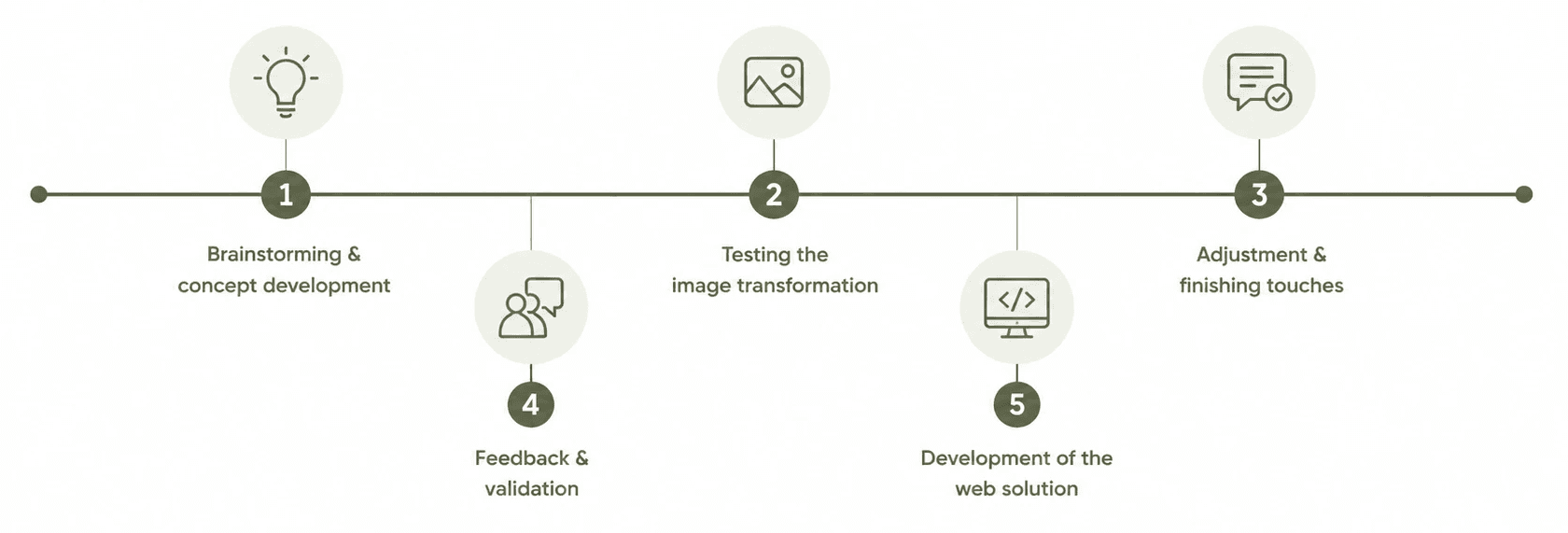
Brainstorm & Concept Development
ChatGPT was used as a structured sparring partner during the early concept development phase. Through an iterative dialogue, ideas were refined, challenged, and expanded step by step. This process helped identify opportunities to differentiate the solution from existing market offerings while creating a documented trail of decisions, assumptions, and design rationale that informed the subsequent development work.

Feedback & Validation
Claude as a critical reviewer. Claude reviewed the concept brief with a sharp focus on strengths, weaknesses, and pitfalls. Claude challenged assumptions, helping identify six critical improvements.


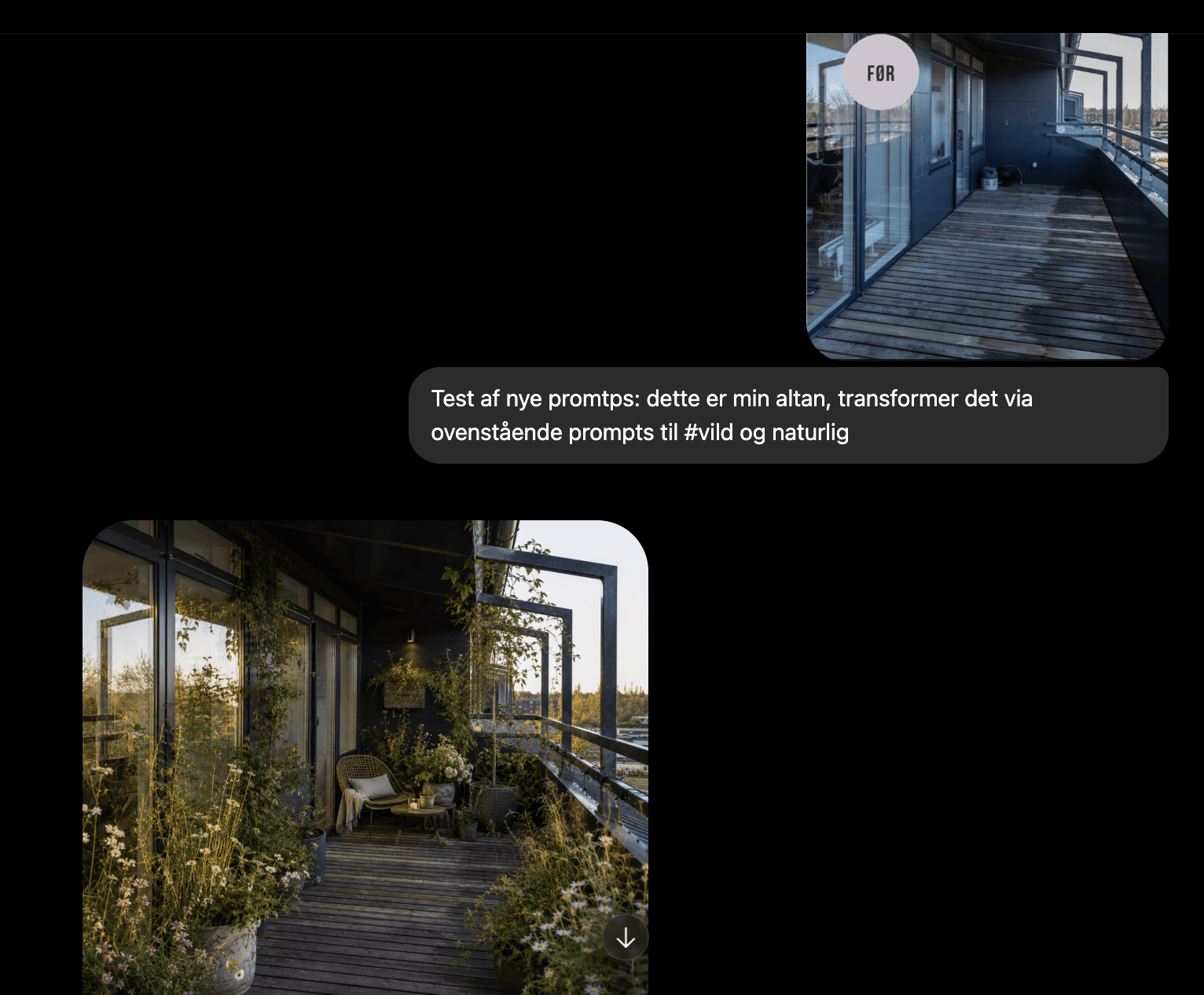
Testing the Image Transformation

Building the Web Application
After refining the image transformation process, the concept was translated into a functional web application. ChatGPT helped create a master prompt for Codex, while an early prototype was built with mock data to validate the experience. As the project evolved, I explored API integrations, tested multiple LLMs and image models, and ultimately selected a multimodal solution that delivered more consistent and cost-effective results.

Key learnings
Throughout the project, AI was not only the subject of the solution but also an active part of the design and development process. Working across multiple AI tools, models, and workflows provided valuable insights into both the strengths and limitations of AI-assisted product development, from prompt engineering and model selection to reliability, consistency, and decision-making.



Reflection
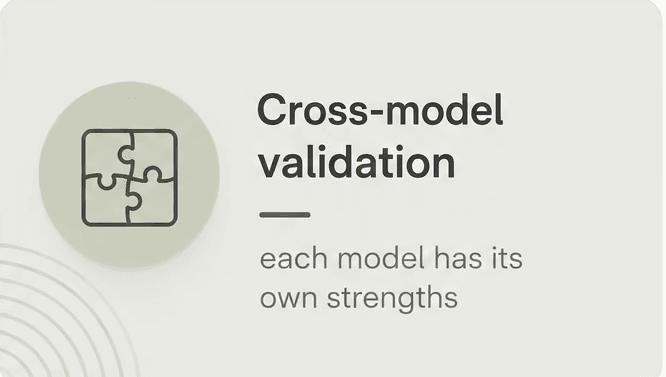
This project demonstrated how AI can support the entire product development lifecycle, from ideation and research to visual generation and implementation. It also highlighted the importance of validation, prompt engineering, and careful model selection when designing AI-powered experiences.
MVP Version
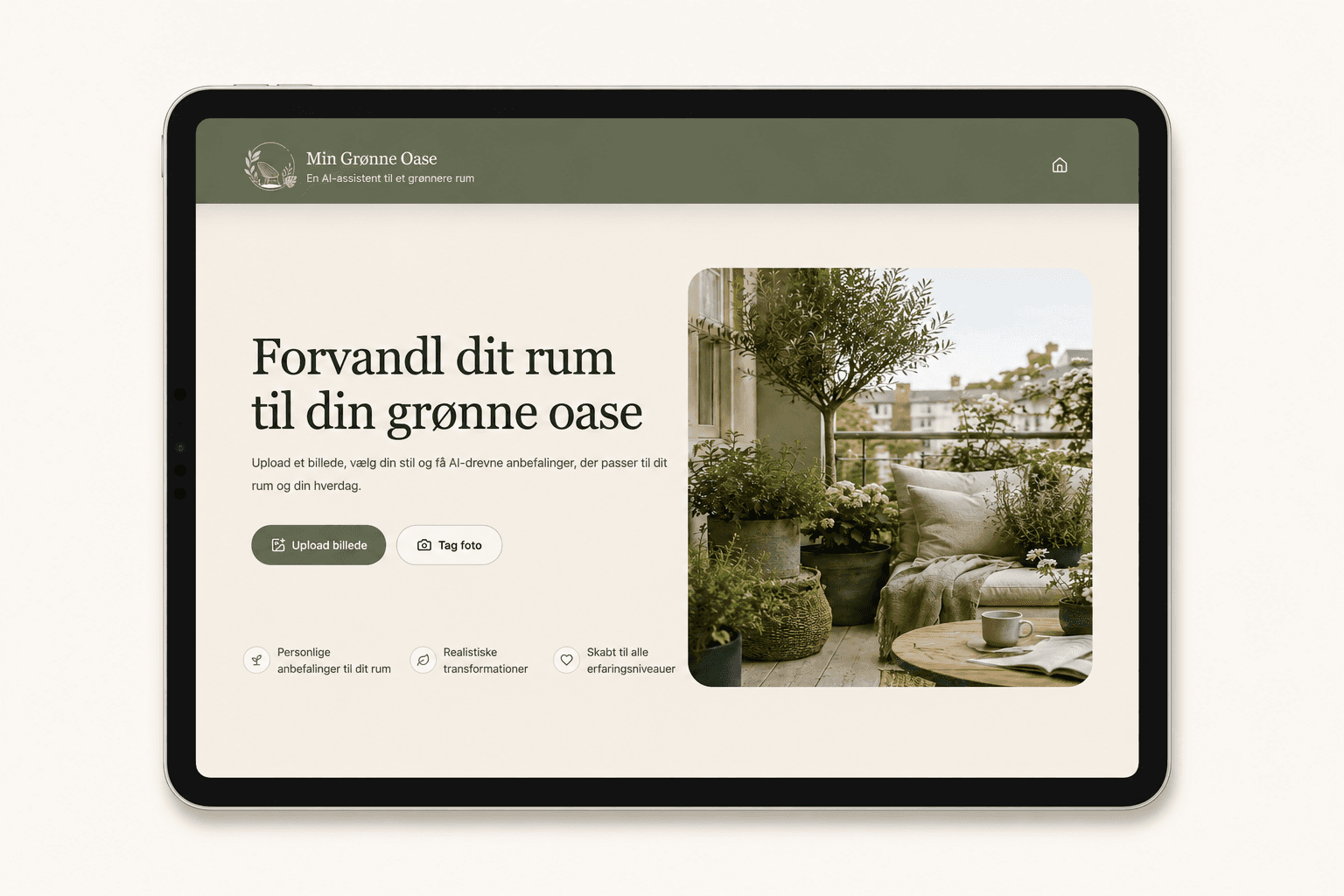
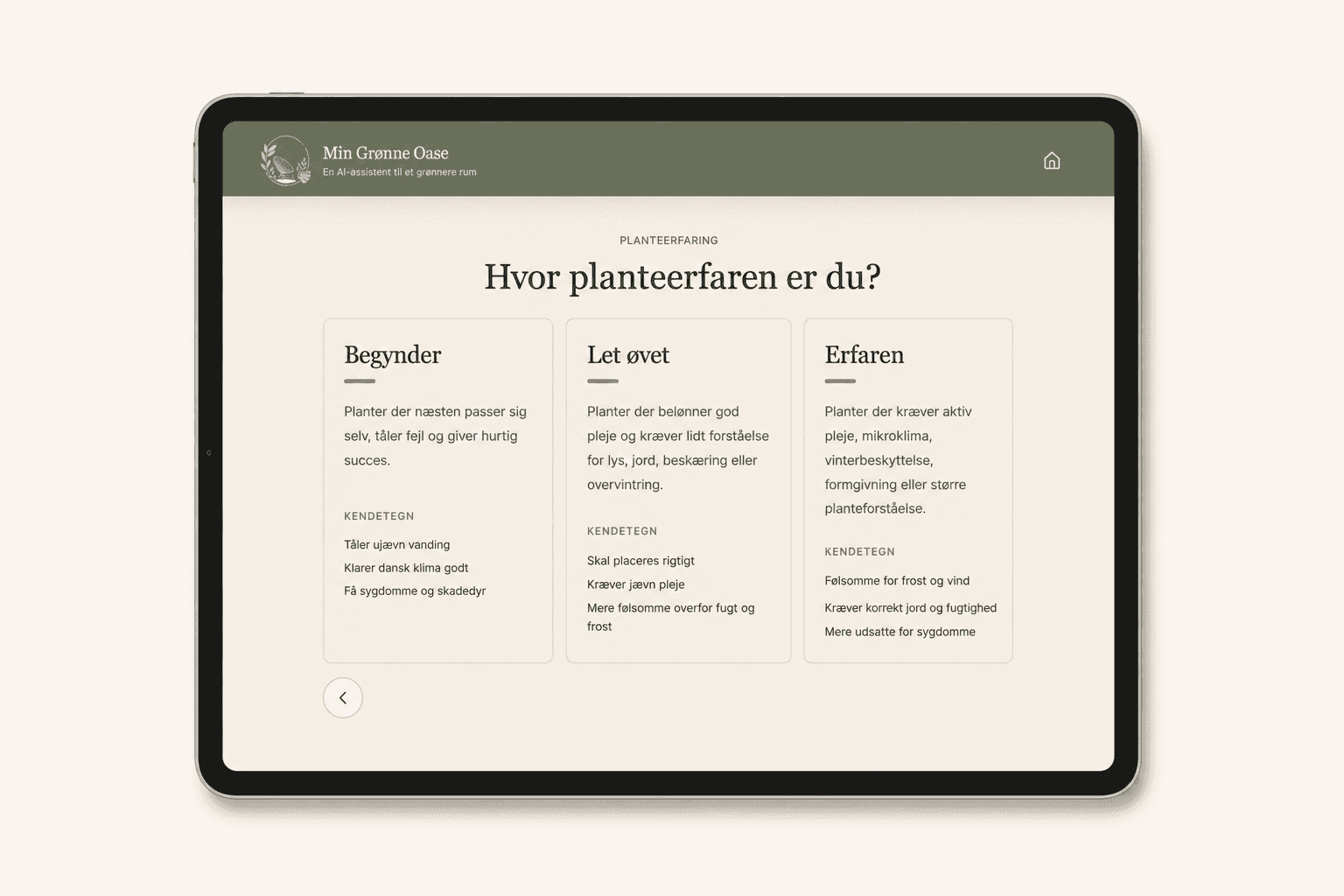
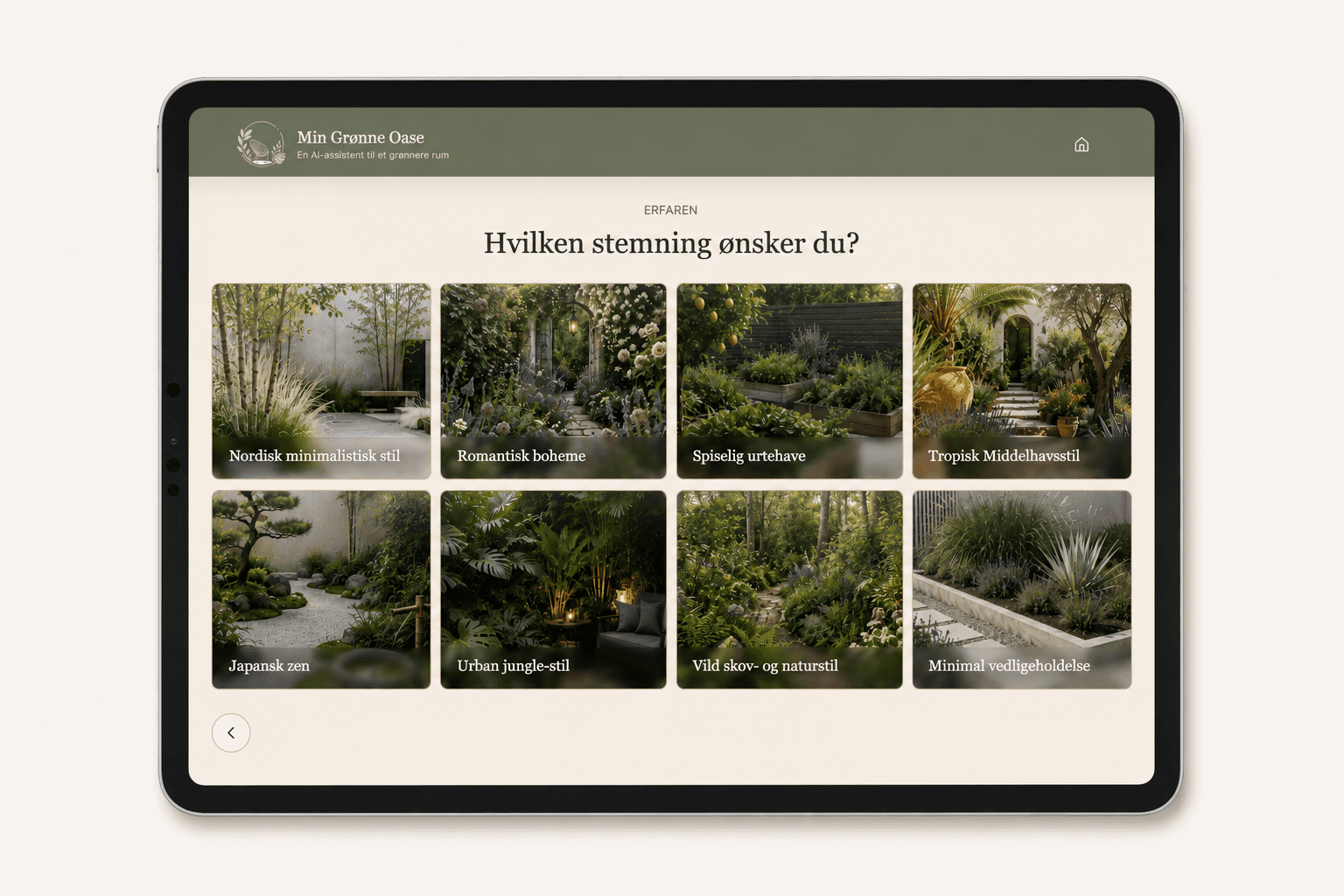
The current solution represents a first MVP (Minimum Viable Product) designed to validate the core concept and user experience. While the initial feedback has been positive, user testing has already revealed opportunities for refinement and several ideas for future development. These insights will help shape the next iterations of the product and further improve both functionality and user value.
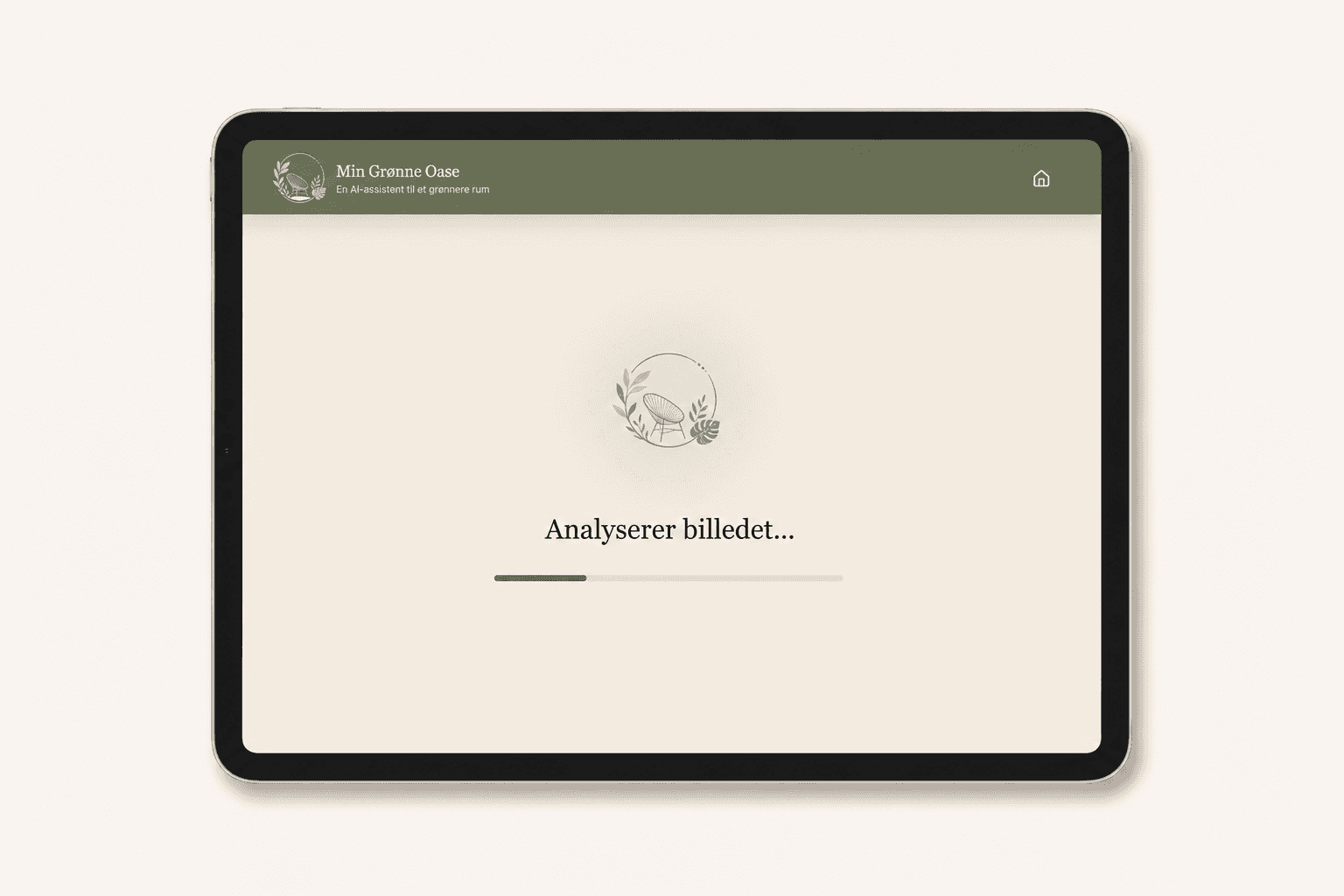
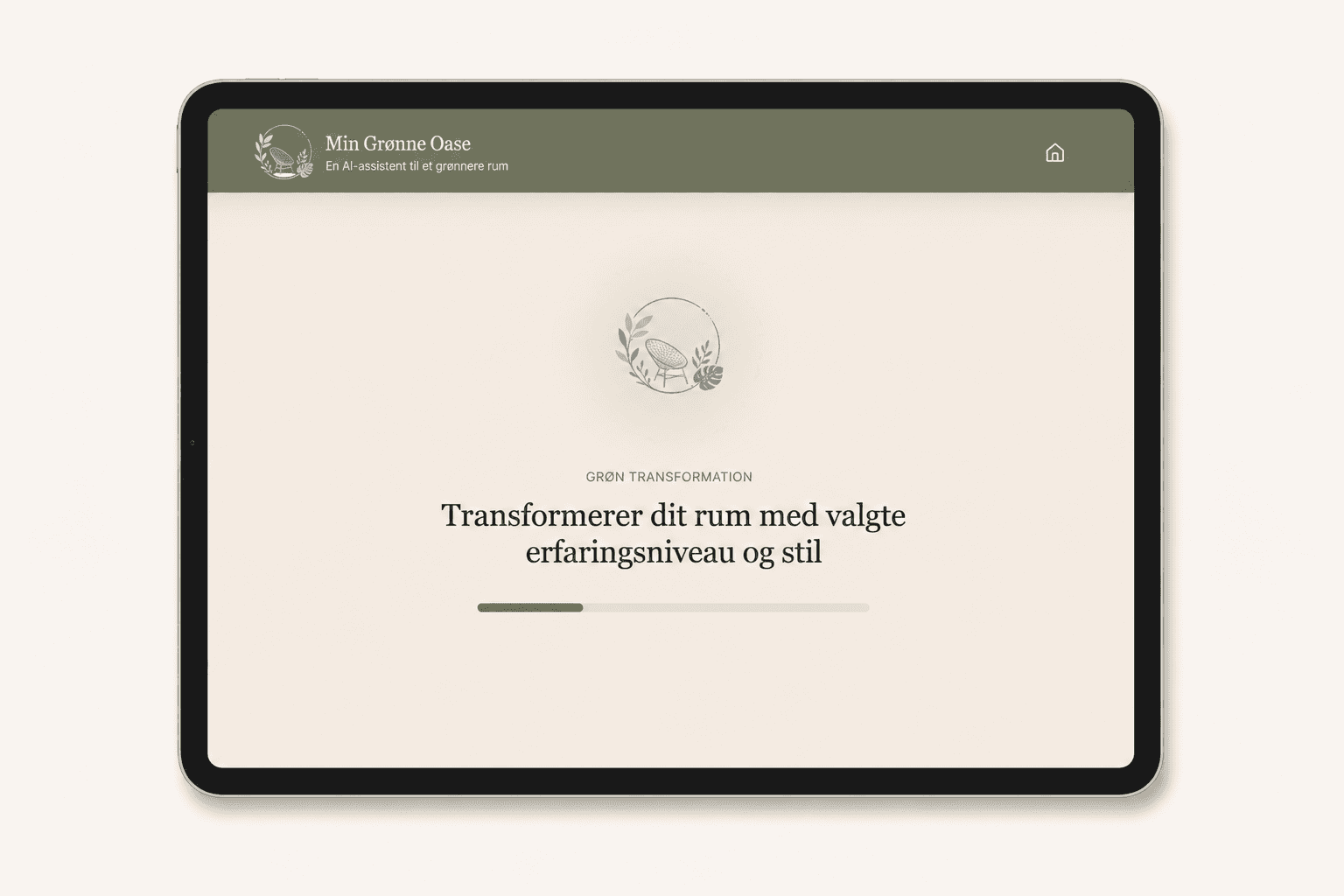
The images below showcase the current MVP version of the application.